Complete Guide to PDF, File Conversion, Image & Calculator Tools
Online work often involves dozens of small tasks: converting a document, resizing an image, calculating a percentage, combining PDFs, checking […]
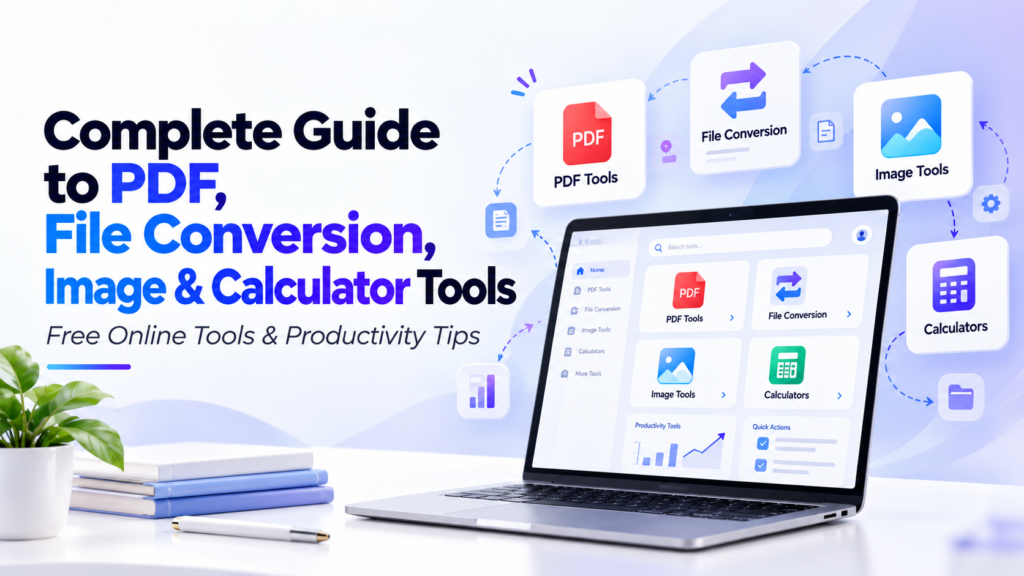
Online work often involves dozens of small tasks: converting a document, resizing an image, calculating a percentage, combining PDFs, checking loan payments, or changing one file format into another. Doing each task with separate desktop software can make simple work unnecessarily complicated.
A well-organized online tools platform solves this problem by bringing practical utilities together in one place.
This guide explores our PDF tools, file converters, image utilities, and online calculators, and explains how each group can help with everyday work, study, business, content creation, and document management.
PDF Tools for Everyday Document Work
PDF remains one of the most widely used document formats for reports, invoices, applications, contracts, ebooks, forms, and educational material. Because PDFs are designed to preserve formatting, editing and reorganizing them often requires dedicated tools.
Merge and Split PDF Files
The Merge PDF tool helps combine multiple PDF documents into one file. This can be useful when several reports, receipts, forms, or chapters need to be delivered together.
The PDF Splitter performs the opposite task by separating pages or sections from a larger PDF. This is useful when only part of a document needs to be shared.
For documents with pages in the wrong order, Reorder PDF Pages allows the sequence to be reorganized, while Delete PDF Pages helps remove unnecessary sections.
Rotate, Flatten, Repair and Manage PDFs
Our PDF collection also includes utilities for more specialized document tasks.
Rotate PDF can correct pages scanned in the wrong orientation.
Flatten PDF can simplify certain PDF elements into a more fixed document structure.
PDF Repair is intended for situations where a PDF may have structural problems and needs to be processed again.
Edit PDF Metadata can help manage information such as document title, author, subject, or metadata fields.
You can also use Add Page Numbers to PDF when preparing reports, assignments, ebooks, or long documents.
PDF Security and Watermark Tools
When documents need basic protection, Lock PDF and Unlock PDF provide tools for managing password-related document access where appropriate.
For branding or document identification, Add Watermark to PDF allows text or visual marks to be applied to a PDF.
These tools can be useful for internal reports, drafts, downloadable resources, client documents, and branded materials.
Convert PDF into Other Formats
PDF conversion is one of the largest parts of our tool collection.
Available PDF conversion utilities include:
- PDF to Word
- PDF to Excel
- PDF to CSV
- PDF to HTML
- PDF to JPG
- PDF to PNG
- PDF to JSON
- PDF to XML
- PDF to Text
- PDF to WEBP
- PDF to ZIP
- PDF to PowerPoint
- PDF to PPTX
- PDF to SVG
- PDF to TIFF
- PDF to Markdown
- PDF to EPUB
- PDF to MOBI
- PDF to PSD
- PDF to DXF
- PDF to CDR
- PDF to Audio
Different conversions are useful for different workflows. A PDF-to-Word conversion may help when text needs further editing, while PDF-to-JPG or PDF-to-PNG is useful when document pages need to be used as images.
PDF-to-Text or PDF-to-Markdown can be helpful when extracting readable content for publishing, note-taking, or technical workflows.
The platform also includes PDF OCR, which is designed for extracting text from scanned or image-based documents where ordinary text extraction may not work.
Need to work with a PDF?
Instead of installing large desktop software for a single task, choose the PDF utility designed for the job.
CTA: Explore All PDF Tools
Convert Other File Types to PDF
Our tools also support the opposite workflow: turning other formats into PDF.
Examples include:
- Word to PDF
- DOC to PDF
- Excel to PDF
- CSV to PDF
- HTML to PDF
- JPG/JPEG to PDF
- PNG to PDF
- WEBP to PDF
- JSON to PDF
- XML to PDF
- Text to PDF
- RTF to PDF
- PPT to PDF
- PPTX to PDF
- XPS to PDF
- DWG to PDF
- JFIF to PDF
- IPYNB to PDF
- Speech to PDF
- BIN to PDF
There are also specialist conversion tools for formats such as PRN, PNR, RAR, and ShreeLipi-based content.
This range is useful because users often receive information in one format while a school, employer, government portal, client, or business system requires another.
The best workflow is to keep the original file, convert a copy, and then review the output before sending or publishing it.
Image Tools for Faster Visual Work
Images are another common part of online work.
Our Image Resizer helps change image dimensions without requiring a full graphics application. This can be useful for websites, blogs, marketplaces, presentations, profile images, or social posts.
The Image Compressor helps reduce image file size, which may improve upload speed and reduce storage requirements.
For specific size targets, an Image to 100KB style utility can help prepare files for portals that impose strict upload limits.
The Image Watermark tool provides a way to add ownership or branding information to images.
Format tools include:
- JPG to PNG
- PNG to JPG
These are useful when an application or website only accepts a particular image type.
When preparing images for the web, a practical workflow is to resize first, choose the correct format, and then compress the result.
Preparing images?
Use our image utilities to resize, compress, convert, and prepare visual files without opening complex editing software.
CTA: Browse Image Tools
Online Calculators for Everyday Decisions
The platform also includes a large collection of calculators covering finance, health, construction, dates, and general mathematics.
Everyday Calculators
The Simple Calculator handles basic calculations, while the Scientific Calculator provides more advanced mathematical functions.
The Percentage Calculator is useful for discounts, price changes, marks, margins, and everyday percentage problems.
The Discount Calculator can quickly calculate the reduced price and amount saved.
For dates, the Age Calculator and Date Difference Calculator can help determine age or the amount of time between dates.
Financial Calculators
Financial tools include:
- EMI Calculator
- Simple Interest Calculator
- Compound Interest Calculator
- SIP Calculator
- FD Calculator
- Retirement Calculator
- Income Tax Calculator
- GST Calculator
The EMI Calculator can estimate periodic loan repayments based on entered values.
The Compound Interest Calculator helps demonstrate how money may grow when returns are repeatedly added to the balance.
The SIP Calculator is useful for estimating systematic investment scenarios, while the Retirement Calculator can assist with long-term planning estimates.
These tools are designed to simplify calculations, but important financial decisions should always consider real fees, taxes, rates, and professional guidance where needed.
Health and Lifestyle Calculators
Available health-related utilities include:
- BMI Calculator
- Body Fat Calculator
- Ideal Body Weight Calculator
- Calorie Calculator
- Water Intake Calculator
- Pregnancy Due Date Calculator
These tools can provide convenient estimates based on the information entered. They should be used for general informational purposes rather than as a replacement for professional medical advice.
Construction and Measurement Calculators
The collection also includes practical calculators for projects and measurements:
- Bricks Calculator
- Concrete Calculator
- Paint Calculator
- Tile Calculator
- Steel Weight Calculator
- Fuel Consumption Calculator
These can be useful when planning materials or estimating requirements before purchasing supplies.
For unit-related tasks, users can also use the Unit Converter and Speed Converter.
Currency and Time Tools
The Currency Converter helps convert between currencies when current rate data is available, while the Time Zone Converter makes it easier to compare times across locations.
These tools are particularly useful for international work, remote teams, travel planning, and online business.
Choosing the Right Tool
With so many utilities available, the easiest approach is to begin with the task itself.
If you need to combine documents, use Merge PDF.
If you need editable document content, try PDF to Word.
If an image is too large, start with Image Resizer or Image Compressor.
If you need to calculate an investment estimate, select the relevant financial calculator.
Focused tools work best when each utility does one job clearly.
One Platform for Documents, Images and Calculations
The goal of our tools collection is to reduce unnecessary steps.
Instead of searching for a different website every time you need to convert a file, calculate a value, or prepare an image, you can access related utilities from one organized platform.
Whether you are a student, business owner, developer, content creator, office worker, or everyday internet user, these tools can make common digital tasks easier to complete.
CTA: Explore All Online Tools
Frequently Asked Questions
What PDF tools are available?
The collection includes tools for merging, splitting, rotating, reordering, deleting pages, adding page numbers, watermarking, locking, unlocking, repairing, flattening, OCR, metadata editing, and many PDF conversions.
Can I convert PDF files into editable formats?
Available options include PDF to Word, Excel, CSV, text, HTML, XML, JSON, Markdown, and several other formats. Conversion quality can depend on the structure of the original document.
Which image tools are available?
Image utilities include image resizing, compression, watermarking, JPG-to-PNG conversion, PNG-to-JPG conversion, and tools for reducing images toward specific file-size requirements.
What types of calculators are included?
The website includes general, financial, health, date, construction, investment, tax, percentage, and measurement calculators.
Are calculator results exact?
Calculators provide results based on the values and formulas used. Real-world financial, tax, medical, or construction decisions may require additional information.
Do I need special software to use these tools?
The tools are designed for use through a web interface, although individual tools may use different processing methods depending on their function.